Satellite, Aerial, Historic map or Relief: which rendering to choose?
The right rendering for your place and your interior
ImaginEarth offers four renderings. The right choice depends mostly on the size of the place, its country and the effect you are after.
At a glance
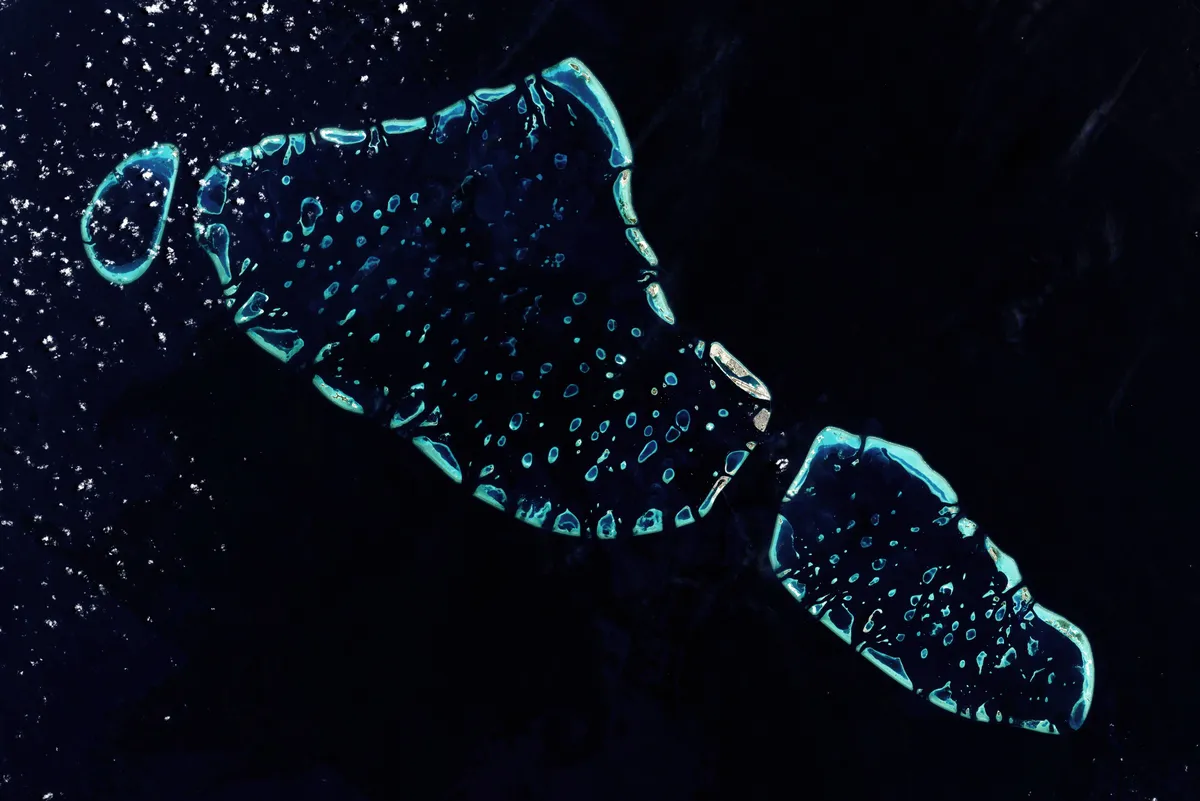
- Satellite: the true colours seen from space, with the relief. Anywhere in the world, from 650 to 180,000 km².
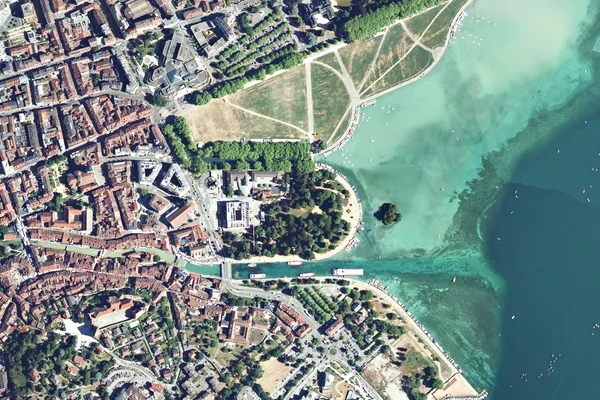
- Aerial: the most detailed photograph, at 20 cm. In mainland France and Corsica, from 20 to 650 km².
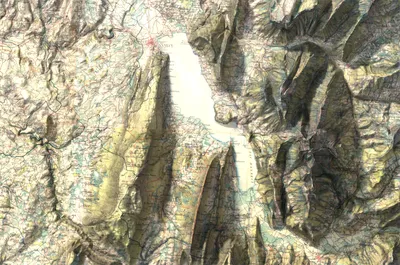
- Historic map: the 19th-century French staff map, over the 3D relief. In mainland France and Corsica, from 200 to 1,500 km².
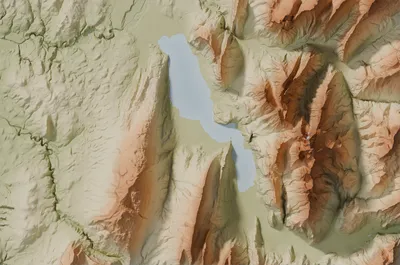
- Relief: the land in 3D, in eight styles. Anywhere in the world, with no maximum, from 200 km² in the countries with a national relief model and 650 km² elsewhere.
The same place in the four renderings
The images below show the same 650 km² area around Lake Annecy, with the town, the Semnoz and the Tournette, in the four renderings: the aerial photo, here zoomed in on the old town, shows the roofs, the canals and the boats; the satellite image shows the colours of the lake at the end of summer; the historic map the villages of two centuries ago; and the Relief sculpts the massifs.
By the size of the place
- A village, a neighbourhood, a small bay, under 200 km²: the Aerial rendering, the only one that shows streets and houses.
- A town and its surroundings, a valley, from 200 to 650 km²: Aerial, Historic map or Relief.
- A massif, a large island, a small region, from 650 to 1,500 km²: Satellite, Historic map or Relief.
- A region, a whole country: Satellite, up to 180,000 km², or Relief, with no limit.
By country
In mainland France and Corsica, all four renderings are offered. Elsewhere in the world, Satellite and Relief.
By the effect you are after
- A realistic, almost photographic image: Satellite or Aerial.
- A piece of history, with old-world charm: the Historic map.
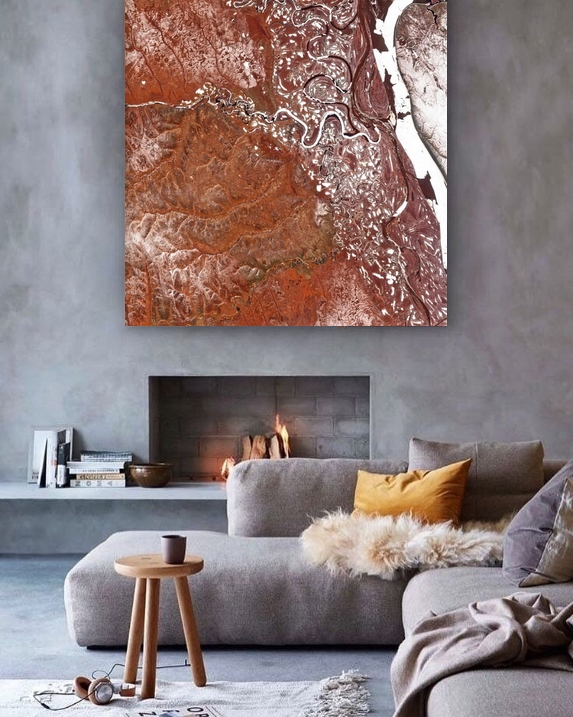
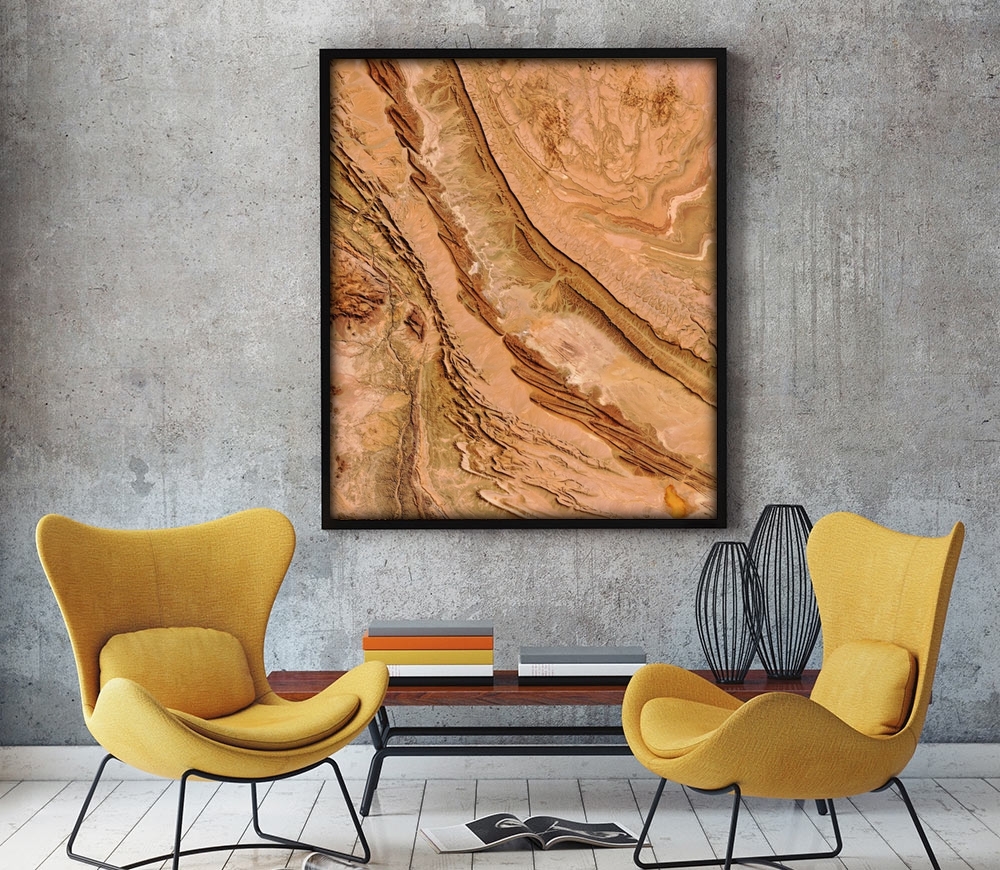
- A decorative map that highlights the relief: Relief, in the Relief, National park, Sage or Terracotta style.
- A graphic, minimalist look: Relief in the Plaster or Graphite style.
The best way to choose
Every preview is free: create the same area in several renderings, then compare them in "My images". Our guide Create your image, step by step details each step.