Create your image, step by step
From the map to the preview, in a few minutes
Creating an ImaginEarth image is free and takes only a few minutes: you only pay if you order the print.
1. Choose the place
On the Create page, search for a place (a town, a mountain, an island…) or move the map. On a computer, draw the area with the drawing tool; on a phone, place the location in the frame shown. The shortcuts to the continents take you straight to the other side of the world.
2. Choose the rendering
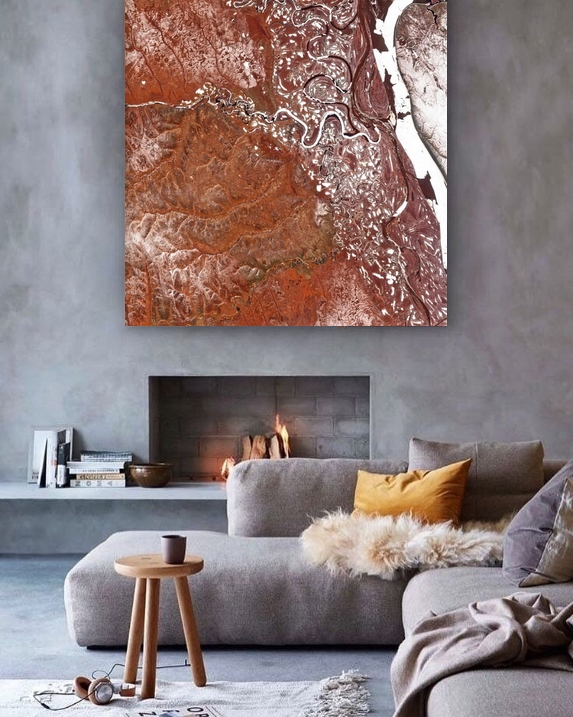
- Satellite: a true-colour Sentinel-2 image, with the relief, anywhere in the world, for areas from 650 to 180,000 km².
- Aerial: highly detailed IGN aerial photographs, in mainland France and Corsica, for areas from 20 to 650 km².
- Historic map: the 19th-century French staff map over the 3D relief, in mainland France and Corsica, for areas from 200 to 1,500 km².
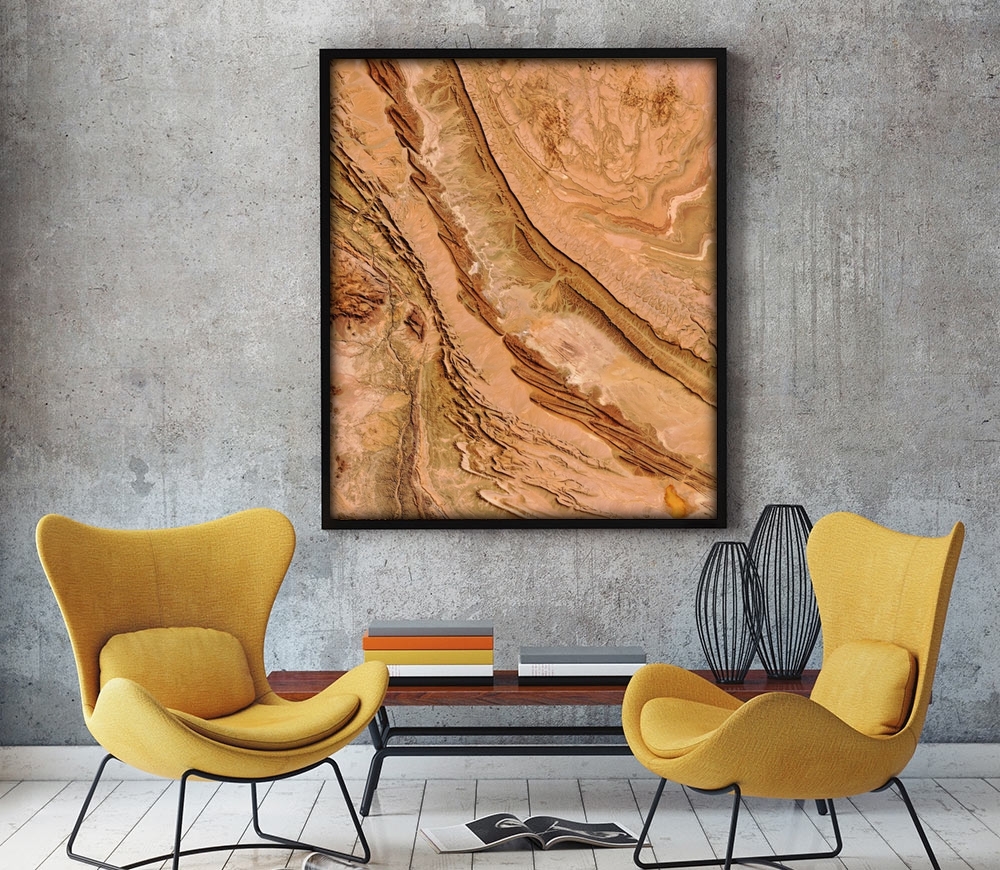
- Relief: the elevations of the land in 3D, in eight styles, anywhere in the world, from 200 km² (650 km² outside the countries with a national relief model).
To make up your mind, read Which rendering to choose?.
3. Choose the style, the date and the shape
The Relief offers eight styles; Satellite, Aerial and Historic map keep their original colours. For satellite images, also choose the year, since 2018, and the season: we keep the least cloudy images of the period. Finally, choose the shape of the poster: landscape, portrait or square.
4. Get the preview
Give your image a title and start the creation; a free account is all you need. The preview is ready in a few minutes in "My images", and you can close the page while it is being made.
5. Order the print
On the page of the image, choose the size, the material and the frame: our guide Choosing your poster helps you. Before printing, the image is retouched by hand.